CS2 system requirements
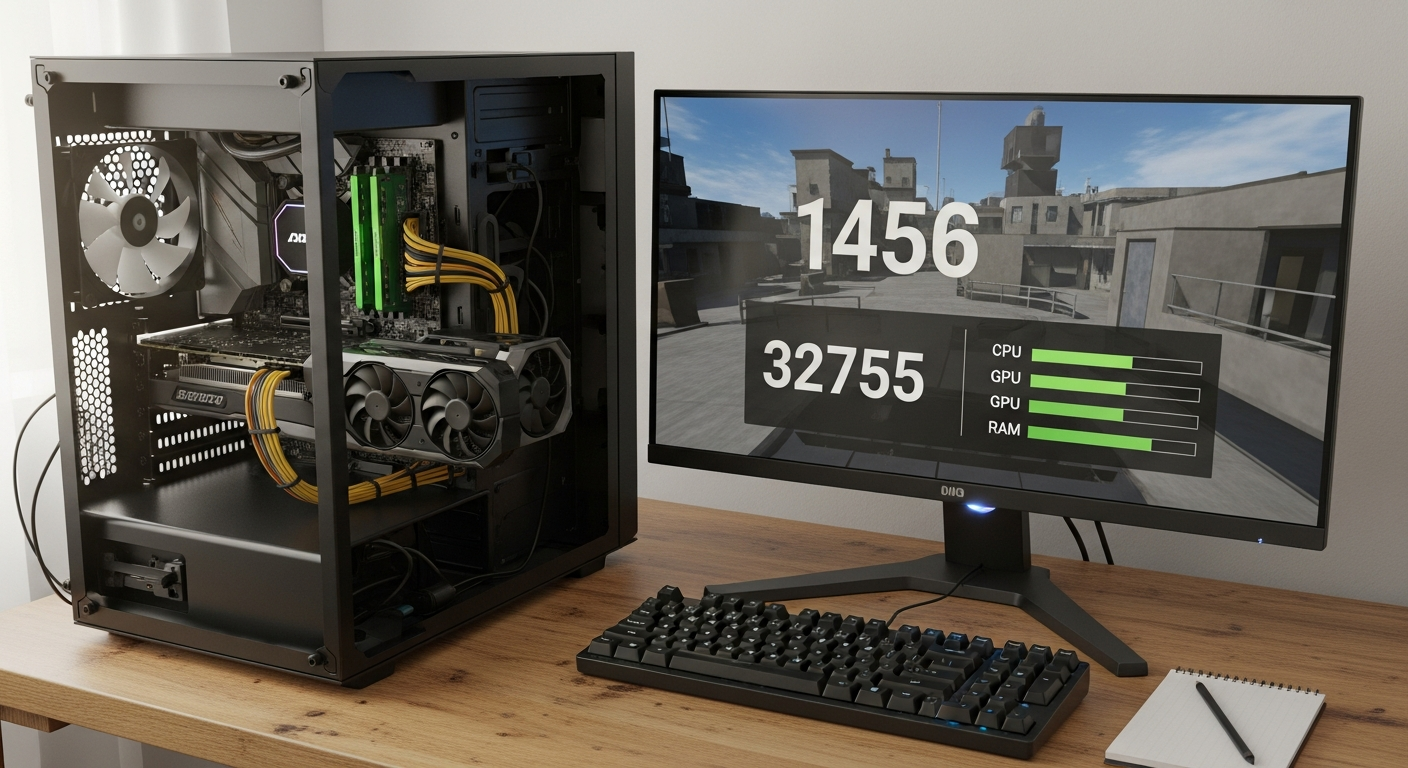
Table of Contents
Can my PC run CS2?
Figuring out whether your computer can handle Counter-Strike 2 means checking what the Source 2 engine actually demands.
Valve built the game exclusively for PC, so consoles are out of the picture entirely. You can download and play it through Steam on both Windows and Linux. The engine scales reasonably well, so even lower-end machines can get the game running, but your actual frame rate and stability will come down to your specific hardware.
Performance Expectations on Older Hardware
Many older computers can technically boot the game, though the experience may be rough. If your system has something like an Intel Core i5-2400 or AMD FX-6300, 8 GB of RAM, and a GTX 660 or Radeon HD 7850, you meet the absolute baseline. With these CS2 minimum specs, you’ll need to drop graphics settings significantly just to get consistent performance. Some technical evaluations suggest treating slightly newer processors, such as the Intel Core i5-9400F or AMD Ryzen 5 2600, as a more realistic minimum for smooth gameplay.
Targeting Fluid Competitive Gameplay
Meeting the lowest requirements lets you play, but competitive shooters need responsive inputs and high frame rates. Upgrading to a recommended setup with an Intel Core i7-4790 or AMD Ryzen 5 1600, 16 GB of RAM, and a GTX 1060 or RX 580 gives you noticeably better visual clarity and stability. Players targeting 144 FPS or higher will need more powerful hardware. At that level, multicore processors like the Intel Core i7-12700K or AMD Ryzen 7 5800X are necessary to handle intense firefights without stuttering.
CS2 minimum system requirements
Knowing the official CS2 minimum specs matters if you’re running an older laptop or desktop. Valve designed the Source 2 engine to be accessible, so a wide range of machines can at least launch the client. Before checking your components, note that a 64-bit version of Windows 10 is required to run the game at all. If your machine runs an older or 32-bit OS, it simply won’t launch.
Official Hardware Baseline
The minimum CS2 CPU and GPU requirements reflect hardware from over a decade ago. Hitting this exact tier means the game will open, but you’ll likely need the lowest possible visual settings and resolutions just to navigate menus or load a map.
-
Operating System: Windows 10 64-bit (required for modern Steam compatibility and running the 64-bit game engine).
-
Processor: Intel Core i5–750 (a quad-core CPU needed to handle basic game physics and matchmaking logic).
-
Graphics Card: DirectX 11 compatible GPU with 1 GB VRAM and Shader Model 5.0 support to render the basic 3D environment.
These bare Counter-Strike 2 requirements let you run the engine at a basic level. Players on a 256 MB GPU will quickly find that stable performance during multiplayer rounds requires going well beyond this floor.
CS2 recommended specs for high FPS
To get the most out of modern gaming monitors and stay competitive, you need high frame rates. Meeting the CS2 recommended specs means intense firefights and utility executions won’t cause sudden frame drops. If you’re targeting 144hz performance specifically, your hardware needs to go well beyond the baseline.
Hardware for 144 FPS Target
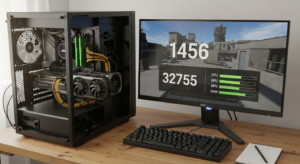
Sustaining 144 frames per second requires a balanced system where neither the processor nor the graphics card is a bottleneck. This tier keeps input lag low and the visual experience smooth during fast-paced matches.
-
CS2 CPU requirements: Intel Core i7-9700K or AMD Ryzen 7 2700X. These multicore processors handle intense firefights without stuttering.
-
CS2 GPU requirements: NVIDIA RTX 2070 or AMD RX 5700 XT. These cards provide enough rendering power to maintain stable frames even during heavy smoke grenade deployments.
-
CS2 RAM requirements: 16 GB DDR4 or DDR5. This keeps all necessary map assets loaded and ready.
Enthusiast Specifications for 300 FPS
Professional players often target 300 FPS to match 240Hz or 360Hz displays. Reaching that level demands flagship components.
-
Processor upgrade: Intel Core i9-13900K or AMD Ryzen 9 5900X. These CPUs deliver strong single-core speeds to maximize engine output.
-
Graphics upgrade: NVIDIA RTX 4070 Ti or RTX 4090. Pushing maximum frame rates at high visual settings requires this tier, and the RTX 5090 is worth considering for absolute top-end FPS.
-
Memory upgrade: 32 GB of DDR4 or DDR5. Doubling the standard memory allocation eliminates any risk of background applications interfering with your match.
Building around these components gives you a real technical advantage in competitive lobbies. From there, you can fine-tune your CS2 high FPS settings to lock in those frame rates.
CS2 storage and SSD requirements
Beyond the processor and graphics card, your storage drive determines how quickly you load into matches. The Source 2 engine streams map assets dynamically, so drive speed has a noticeable effect on overall responsiveness. Having the right capacity and drive type also keeps your installation stable through ongoing game updates.
Drive capacity variations
Install sizes vary depending on the platform and update version. The base game files typically sit somewhere between 40 GB and 85 GB, but the official CS2 minimum requirements specify 85 GB of available storage. That buffer lets the client safely unpack compressed update files without running out of space during major patches. Linux users face the same requirement, with 85 GB of available space needed for a native installation.
The importance of NVMe technology
You can technically run the game on older hardware, since the baseline accepts a 50 GB HDD or SSD. That said, mechanical drives often cause texture pop-in and long loading screens that might make you miss the pistol round. For competitive play, moving to solid-state storage makes a real difference.
-
Budget configuration: A standard SATA SSD with 85 GB of free space cuts load times significantly compared to a mechanical drive.
-
Competitive configuration: For players targeting 144 FPS gameplay, official guidelines recommend a 50 GB NVMe SSD allocation for the game. The higher bandwidth prevents micro-stutters when the engine loads complex utility effects.
-
Legacy configuration: A traditional 50 GB HDD meets the baseline CS2 minimum specs, but it limits asset streaming efficiency during intense server activity.
Investing in proper CS2 SSD storage means you’ll consistently join the server before warmup ends. It’s one of the most cost-effective hardware changes you can make for immediate responsiveness.
CS2 FPS targets by hardware tier
Reaching specific frames-per-second milestones depends entirely on your component pairing. The updated engine is more demanding than Global Offensive, so it’s worth evaluating your rig before queuing for ranked matches. Breaking performance down by tier helps you understand what to expect and whether you need to adjust your CS2 high FPS settings to stay competitive.
Entry-level and specific baseline benchmarks
Running the game on older or unoptimized hardware has a real impact on stability and frame output. The absolute minimum requirements include an Intel Core i5-2400 or AMD FX-6300, 8 GB of RAM, and a GTX 660 or Radeon HD 7850. Playability is technically possible, but real-world tests show strict limitations. A configuration with an Intel Core i5-13400, an NVIDIA GeForce RTX 3050 OEM, and 16 GB of RAM achieves only 30 FPS. A system running an AMD Ryzen 7 5700G with an AMD Radeon 535 and 32 GB of RAM manages just 42 FPS.
Mid-range hardware and alternative platforms
Stepping up to mainstream components lifts players out of the stuttering zone. Building around an Intel Core i7-4790 or AMD Ryzen 5 1600 with 16 GB of RAM and a GTX 1060 or RX 580 comfortably holds frame rates above 60 FPS during most map engagements. Apple users also have options, as mid-tier Intel MacBooks running via Boot Camp can handle the game at 60–100 FPS on medium settings.
Maximizing CS2 144Hz performance
Hitting 144 FPS or higher consistently requires hardware that can handle intense firefights without dropping frames.
-
Processors: An Intel Core i7-12700K or AMD Ryzen 7 5800X handles complex physics and utility deployments without breaking a sweat.
-
Graphics cards: Pairing those CPUs with an Nvidia RTX 3060 Ti or AMD RX 6800 gives your monitor enough frames to saturate high refresh rates.
-
Enthusiast tier: For professional-grade monitors, the RTX 5090 is the recommended choice for absolute top-end FPS.
Matching your display to the right hardware tier eliminates input lag and screen tearing. Upgrading to these components is the most reliable way to achieve consistent tracking in competitive play.
CS2 settings to improve performance
When your hardware meets the Counter-Strike 2 requirements, but you’re still getting stutters, optimizing your software is the next step. Adjusting both system settings and in-game options can meaningfully boost frame rates and reduce input lag. For competitive players, prioritizing FPS over visual quality is the most effective approach.
System-level optimizations
Before launching the game, tweaking your operating system frees up resources. Windows users should go to power settings and switch to High Performance or Ultimate Performance mode to prevent CPU throttling. You can also use specific Steam launch parameters to streamline startup and prioritize the game engine over background tasks.
-
Background processes: close background applications to free up memory and CPU cycles.
-
Power management: switching to Ultimate Performance prevents your system from down clocking components during crucial clutch moments.
-
Network stability: use a wired Ethernet connection to eliminate packet loss and keep frame delivery consistent.
Optimizing in-game visuals
Once you’re in the game, the video settings menu gives you direct control over the graphics. Adjusting a few key parameters reduces the load on your GPU without hurting competitive visibility.
Reducing shadow quality limits the complexity of dynamic lighting calculations, while lowering texture detail frees up memory. Scaling back antialiasing removes the computational cost of smoothing jagged edges.
Applying these CS2 high FPS settings delivers noticeable and immediate gains. If frame rates are still low despite those changes, upgrading to at least an NVIDIA GeForce RTX 2070 may be the only way past a hardware bottleneck.
CS2 drivers and platform support
Hardware is only half the equation when setting up your PC for competitive play. The Source 2 engine requires a compatible operating system and up-to-date graphics APIs. Your software environment needs to align with Valve’s supported ecosystem for stable server connections and consistent rendering.
Windows compatibility and display APIs
Most players run Windows, where the minimum requirements officially support Windows 10 through Windows 11. To render the updated visual effects correctly, your graphics card needs DirectX 11 and Shader Model 5.0 compatibility. Keeping your software current ensures these APIs communicate properly with your hardware. Running regular CS2 driver updates for your GPU eliminates visual glitches and often brings game-specific performance improvements from manufacturers. Staying on top of system updates also prevents unexpected crashes during matchmaking.
Linux access and macOS workarounds
Beyond Windows, the game runs natively on Linux via Vulcan support on SteamOS, requiring at least Ubuntu 20.04. Apple users face a stricter limitation, as legacy macOS support has been phased out, leaving cloud streaming as the main way to access their Steam libraries.
-
GeForce NOW: streams video from remote servers, so it relies heavily on a fast internet connection rather than local hardware.
-
Boo steroid: an alternative cloud gaming option that integrates with existing game libraries through a web browser.
-
Shadow PC: allocates a fully functional virtual desktop, giving players complete control over game files and peripheral configurations.
Cloud services let Apple users play without setting up a local dual-boot configuration.
CS2 hardware upgrades for future-proofing
Building a PC that handles Counter-Strike 2 well today means thinking ahead to future engine updates. Choosing the right components keeps your rig competitive without requiring constant replacements over the next few years. When weighing cost against performance for CS2 upgrades, you need to consider your budget, current frame rate needs, and where you can realistically upgrade. Investing in processing power and GPU performance will keep your system relevant for a long time.
CPU and memory considerations
A lasting build starts with the processor and system memory. For long-term CS2 CPU requirements, aim slightly above the baseline. An Intel Core i5 or AMD Ryzen 5 is a solid starting point for smooth gameplay. If you want more longevity, options like the Intel Core i9-13900K or AMD Ryzen 9 7950X handle complex physics calculations without breaking a sweat and prevent bottlenecks down the line. Adopting DDR5 memory and a PCIe 4.0 or PCIe 5.0 platform gives you headroom for demanding future patches. For CS2 RAM requirements, 16 GB covers the game comfortably while leaving room for background applications.
GPU targets for competitive frame rates
The graphics card is your most critical upgrade path, since visual fluidity directly affects reaction time in tactical shooters. Matching your monitor’s capabilities with adequate rendering power is what fulfilling future CS2 GPU requirements comes down to. Mid-range options provide acceptable stability, but pushing competitive refresh rates calls for more modern architecture.
-
Entry-level stability: a mid-range GPU like the NVIDIA GTX 1660 or AMD RX 580 delivers consistent performance, supported by a 650W to 850W power supply.
-
Performance boost: upgrading to at least an NVIDIA GeForce RTX 2070 handles higher resolutions and complex smoke particle rendering.
-
Competitive: pushing above 144 or 240 FPS requires an RTX 3060 or higher to maintain reliable CS2 144Hz performance.
Whatever hardware tier you land on, ongoing software maintenance keeps everything running at peak efficiency. Updating your drivers regularly ensures your components always take advantage of the latest engine optimizations.





Post Comment